Mining Monero on Android has never been easier
Not long ago, mining Monero on a phone meant installing a compiler toolchain in a terminal and building XMRig on-device — an hour of downloads that often failed halfway. Now it's a free APK you tap through in two minutes, or one Termux command. Same real RandomX, same real network. Here's both paths — and the honest numbers most guides leave out.
1 · Why a phone can mine Monero at all
2 · The easy path: the app
- Download the Primo ARM Miner APK from the downloads section and sideload it. No root needed — the screenshot walkthrough covers every tap, including the Play Protect "unknown developer" notice.
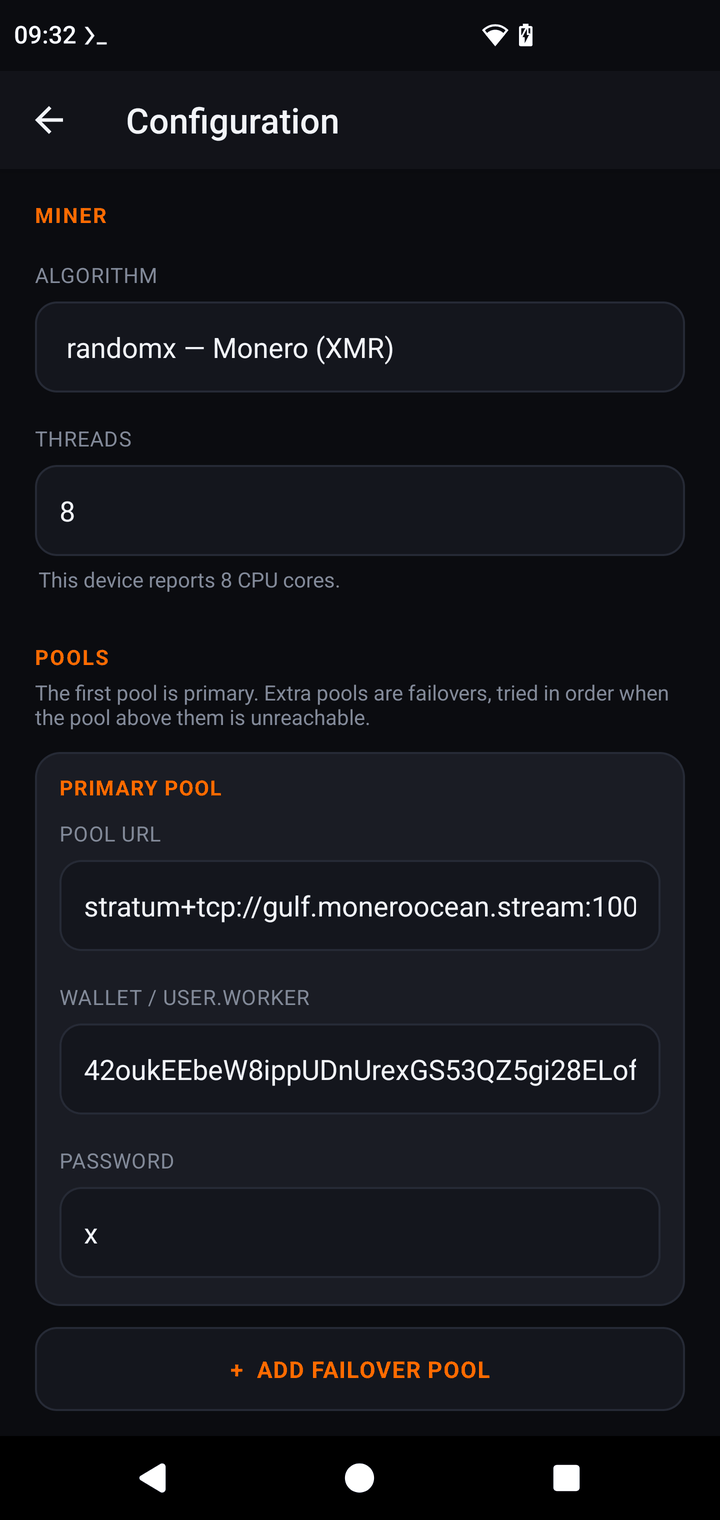
- Configuration → Algorithm → randomx. Pool URL
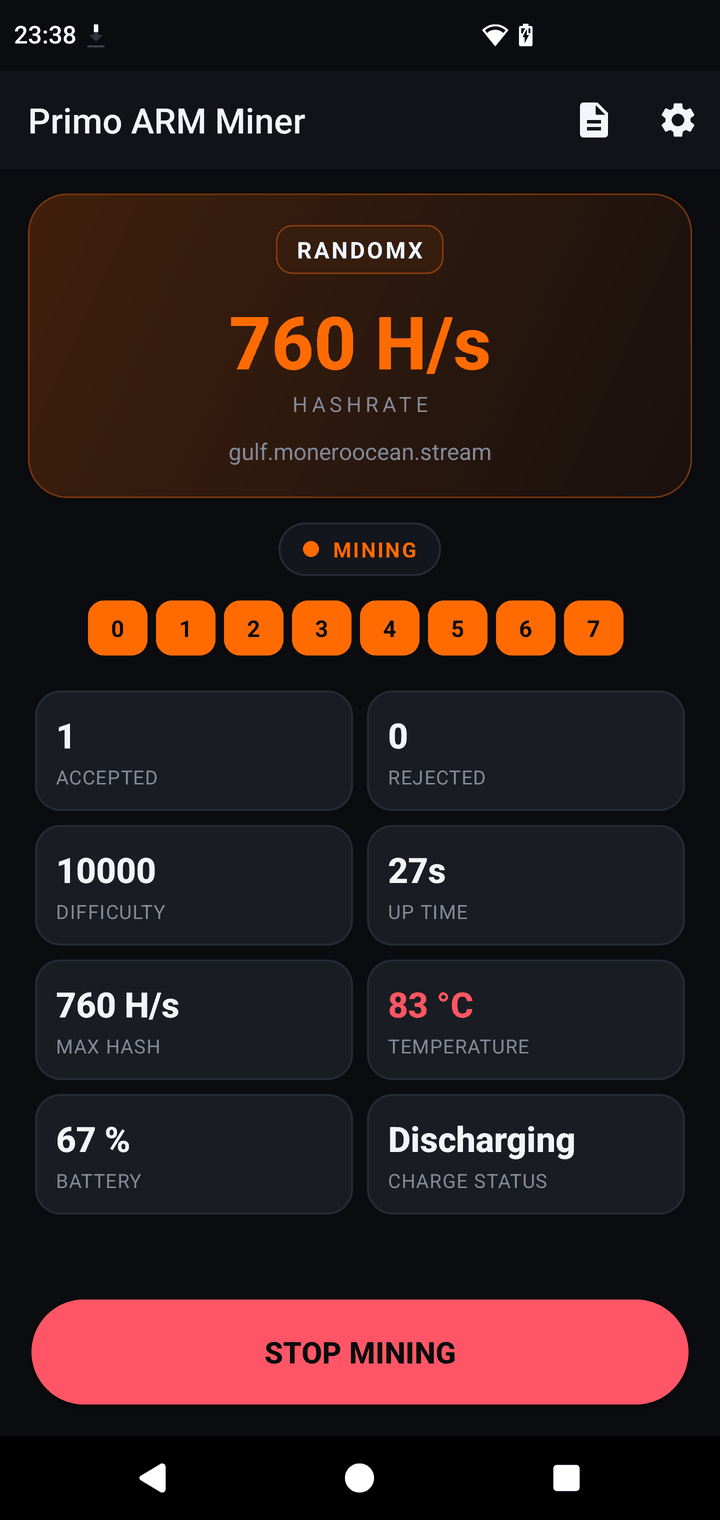
stratum+tcp://pool.supportxmr.com:3333, wallet = your XMR address, password = a worker name. Threads and fast/light mode are picked automatically. - SAVE, then START MINING. The dashboard reads
0.00for the first ~15 seconds — that's the RandomX dataset build, not a problem.
3 · The terminal path: one Termux command
Prefer a terminal? Install Termux (from F-Droid, not Google Play), then:
The installer downloads a prebuilt ARM64 binary and verifies its SHA-256 — no compiling, no toolchain. The full Termux guide (including the screen-off throttling fix) is here.
4 · Wallet and pool, briefly
Use the official Monero wallet (getmonero.org) or Feather, not an exchange address. pool.supportxmr.com:3333 is a solid default pool (or port 443 with stratum+ssl:// for TLS). For a slow worker like a phone, a fixed-difficulty suffix — YOUR_WALLET+50000 — makes shares arrive at a steadier rate. Full pool details are on the Monero page.
5 · The RAM thing (fast mode vs light mode)
RandomX is memory-hard by design. Full-speed fast mode builds a ~2.1 GiB dataset — fine on a phone with 6–8 GB of RAM, and worth ~700 H/s on a modern 8-core. If free RAM is short, the miner automatically drops to light mode: a 256 MiB cache instead, about 5× slower (~160 H/s), but it runs on almost anything. The app decides for you; in Termux you can force light mode with PRIMO_RANDOMX_LIGHT=1.
RandomX is also the hottest-running algorithm here — mine plugged in, watch the temperature tile, and give the phone airflow. A small fan genuinely helps.
6 · Keeping full speed
Android throttles apps that aren't front-and-center: backgrounded apps get fewer cores and capped clocks. The APK handles this by running as a foreground service and keeping the screen on while mining. In Termux, run termux-wake-lock first, or — the full-speed trick — mine from an SSH or adb shell, which stays unthrottled even with the screen off. Details in the Termux guide.
7 · What you'll actually earn
What you actually get: real XMR accumulating on a pool from hardware that was in a drawer, a working understanding of how mining fits together, and a phone that's doing something more interesting than depreciating. That's the honest pitch — free hardware and learning, not income. The miner takes a 1% dev fee on RandomX (60 s per 100 min, logged in the console).